
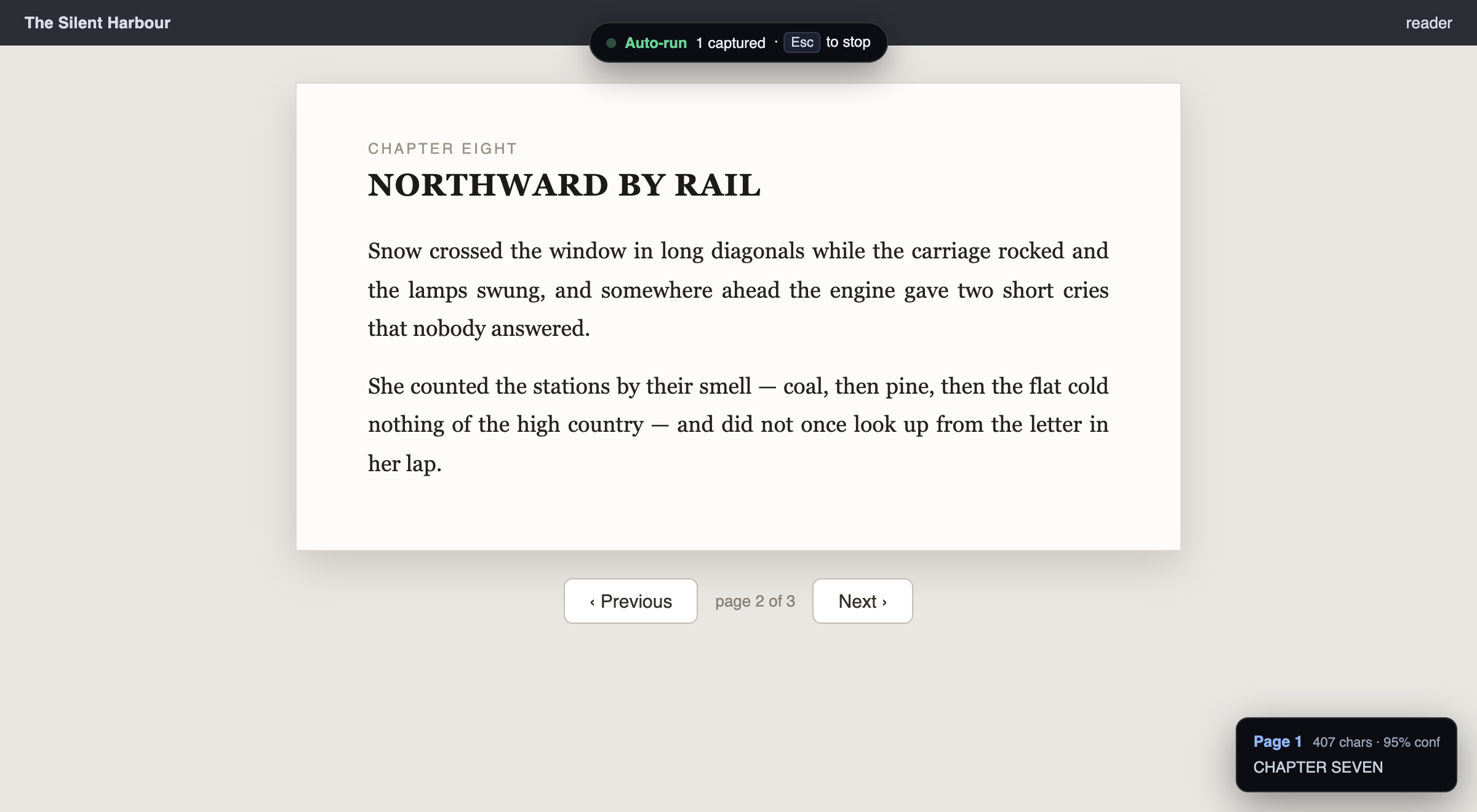
Every developer has hit this wall at least once: a book, a slide deck or a PDF is open in some viewer that will not let you select text. The content is right there on your screen, and the only way out is screenshotting page by page and running OCR on each one by hand.
I got tired of doing exactly that, so I built OCR It — a Chrome and Firefox extension that automates the whole loop. In its first nine days on GitHub it picked up over 320 stars, so it seems I was not the only one with this problem.
What it does
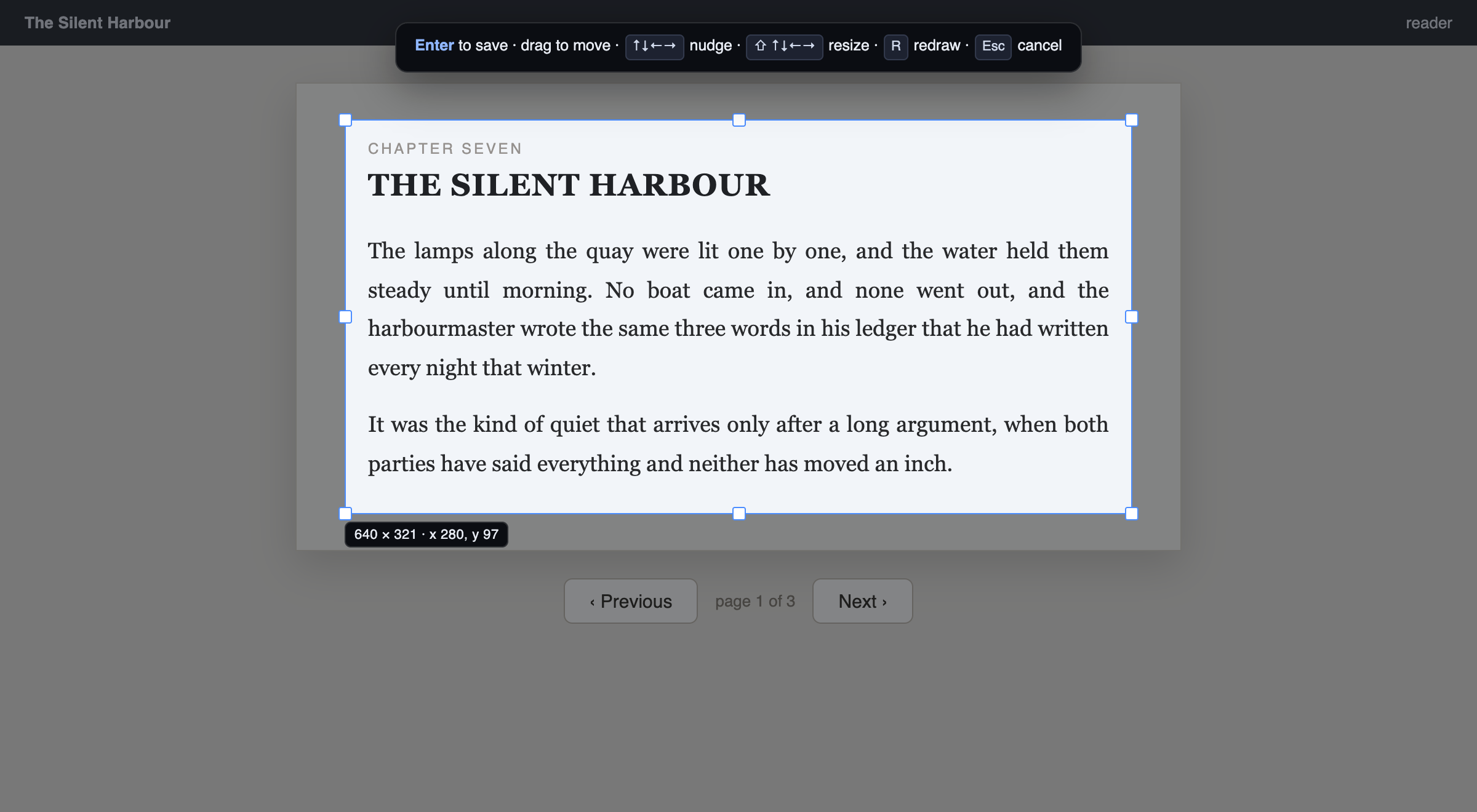
You drag out a capture region once. After that, every press of a hotkey (Alt+Shift+S) screenshots that exact rectangle, OCRs it, and appends the text to a running transcript. Turn the page, press again, repeat.
Or hand the whole job over: Alt+Shift+A starts an automatic run that captures, turns the page for you, and repeats until the document ends. It detects the end on its own — when the text stops changing, the run stops.
The result is a plain text file. These days that usually means one thing: a few hundred pages you could not copy are now something you can paste into Claude or ChatGPT and ask questions about.
Everything runs locally
This was the part I cared most about. OCR runs on a bundled Tesseract build, inside the extension:
- No API key, no accounts
- No network — the extension makes zero outbound requests
- No site access at install time; you grant it per tab when you use it
- Open source, MIT licensed
Whatever you are reading stays on your machine.
Why Tesseract and not an AI model?
“Just use a small vision-language model” is the most common suggestion this project gets, so instead of arguing I benchmarked it. Against clean rendered text — which is what a browser viewer shows — Tesseract with the extension’s preprocessing scores ~0.1% character error rate, runs in a fraction of a second per page, and weighs about 10 MB. The VLM I tested (Qwen2.5-VL-3B) needs ~3 GB of weights and seconds per page to do no better on this material. For scanned or handwritten documents the answer would be different, but for text trapped in a viewer, the 40-year-old engine wins on every axis that matters in an extension.
One tip: leave Layout on Auto
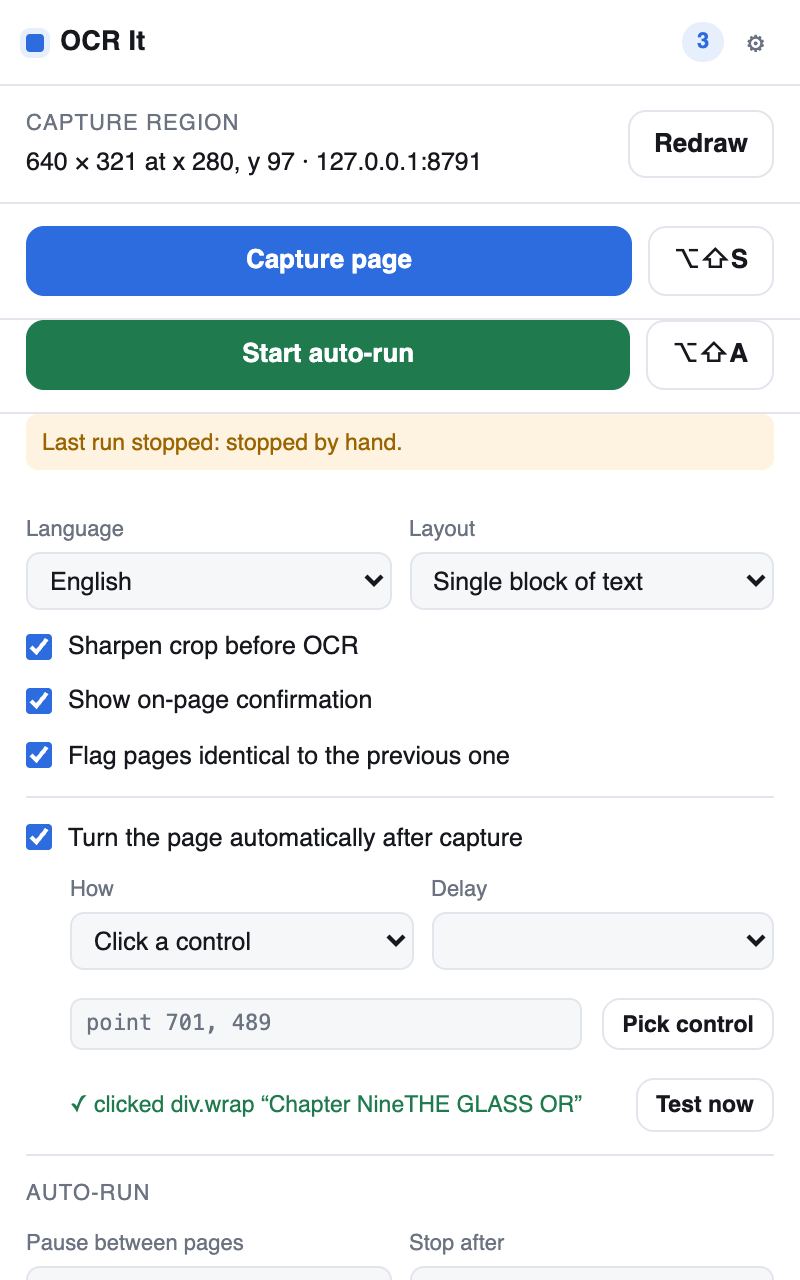
The one setting worth knowing about. Auto runs Tesseract’s layout analysis, which finds columns on its own. The other modes skip it — and pointed at a two-column page, Single block interleaves the columns line by line into nonsense while still reporting 95% confidence. Measured: 52.9% character error versus 0.0% on Auto. The mode names make the wrong choice sound careful; ignore them.
For the curious: one source tree, two browsers
The extension is Manifest V3 on both browsers, built from a single source tree. The only real fork is where the OCR engine lives: Chrome’s MV3 service worker has no DOM and no real Worker, so the engine is parked in an offscreen document and reached by messaging. Firefox has no offscreen API and needs none — its MV3 background is an event page with a DOM, so the engine runs right there. That difference is one small module and the manifest; everything else is shared. The README goes deeper if extension internals are your thing.
Try it
- Chrome: Chrome Web Store
- Firefox: Firefox Add-ons
- Source: github.com/thiagotigaz/ocr-it
English, Portuguese and Spanish ship with it; any of Tesseract’s ~100 languages can be vendored in with one command. If you try it, I would love to hear how it goes — leave a comment below or open an issue on GitHub.
